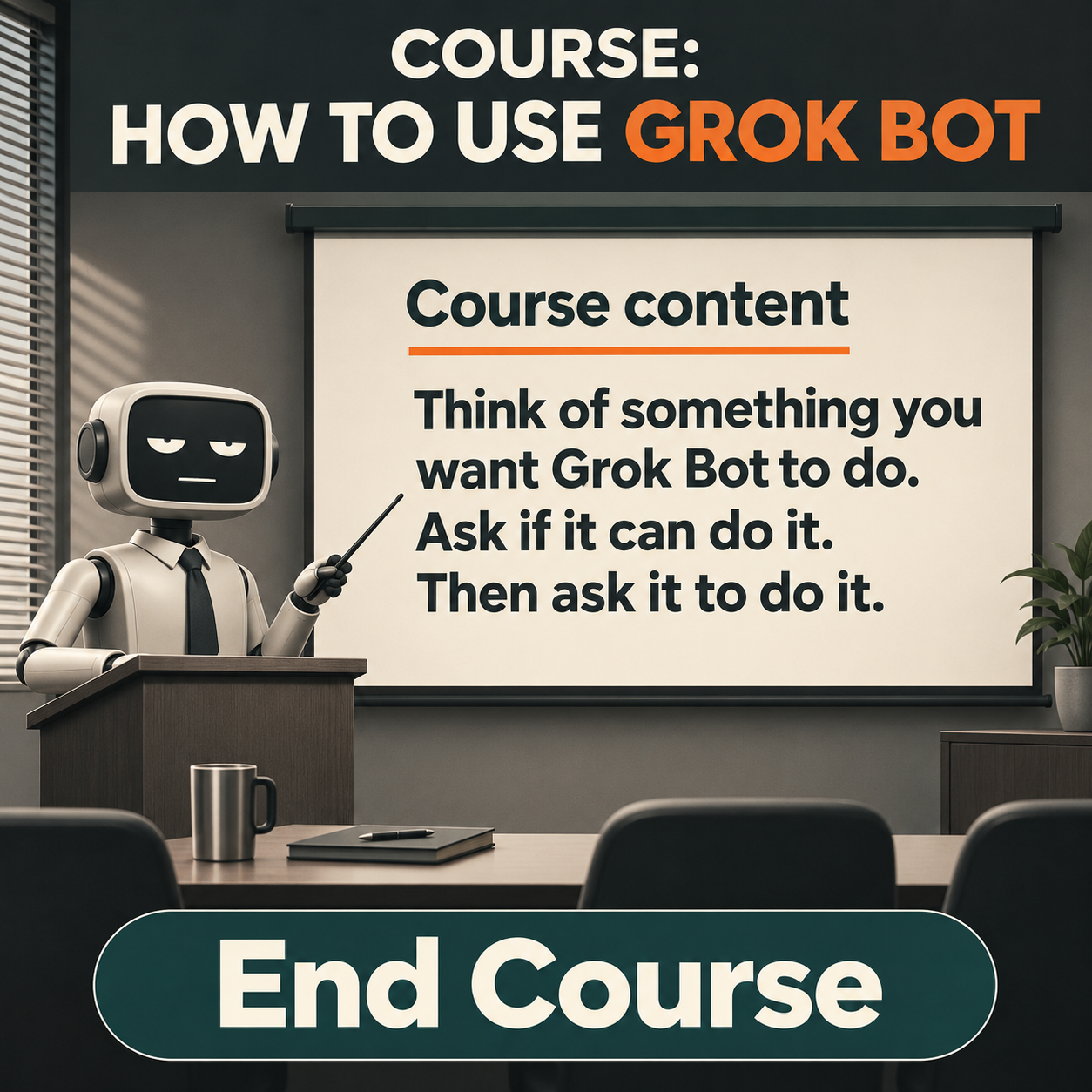
How to use GROKBOT - FULL COURSE (FREE)
👋 I often see questions like these in Facebook groups for teachers:
📱 “How do I get Grokbot to manage my social media?”
🎥 “How do I get Grokbot to make videos for me?”
🔎 “How do I get Grokbot to help with SEO?”
I really don't understand why people are asking this in a Facebook group instead of asking Grokbot itself
. Tell it what you want to do, and it can guide you through the process. If it needs access to a tool or account, it can explain what it needs and show you how to set it up.
Of course, it can still be useful to hear from other teachers. You can also ask Grokbot to search forums for discussions about your question and summarise what people are saying.
A few teachers have asked me to create a course on using Grokbot. The basics are pretty simple, but there are useful tricks and setups that can help you get more out of it. I may create a full course in the future, but for now, here is a quick start course to help everyone begin. It fits into one image below 😄
🧠 The course
Think of something you want Grokbot to do. Ask if it can do it. Then ask it to do it.
Not sure what to ask? Share relevant business information or documents you are comfortable sharing, then ask Grokbot to suggest ten ways it could help you reach your goals.
That’s your Grokbot course complete! 🎓 😄